How Wii Games Actually Look and Run on Wii U: Hdmi Upscaling Tested
 By David Miller
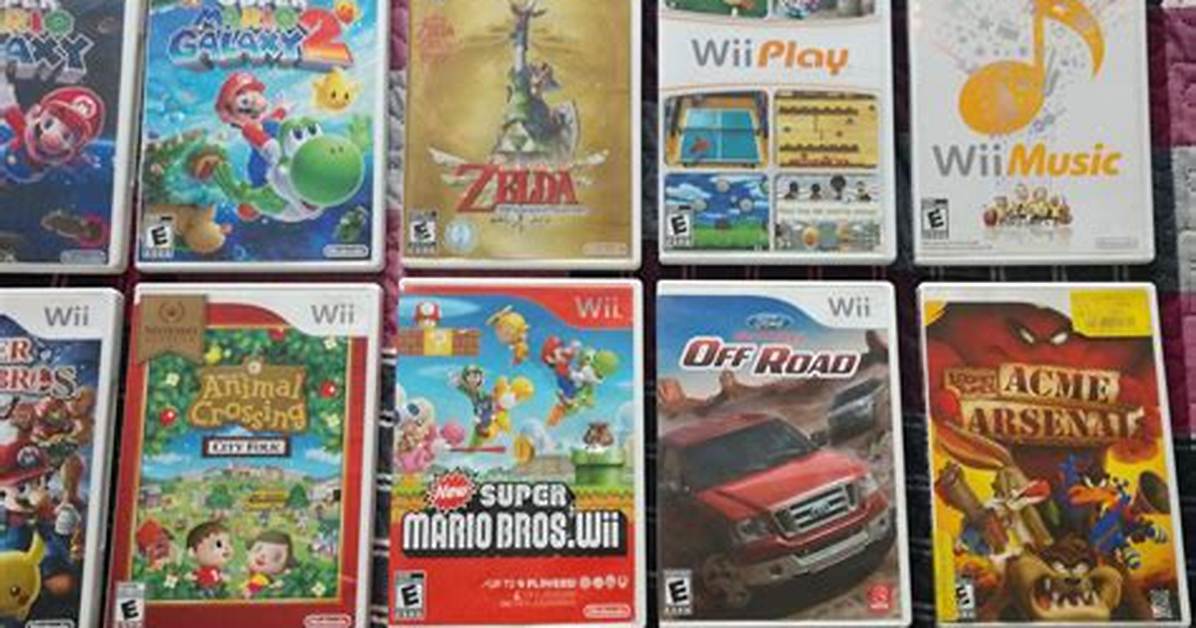
Launching a classic disc requires the correct peripheral ecosystem. You cannot control Wii disc titles using the Wii U Pro Controller or the physical buttons on the primary GamePad. The system sandbox requires authentic legacy inputs: a Wii Remote Plus, a matching Nunchuk controller, and occasionally the Classic Controller Pro plugged into the remote's base connector.
Physical pointer tracking demands an active infrared array. You must keep an authentic Sensor Bar setup mounted directly above or below your television. The Wii U hardware includes a dedicated sensor bar port on the rear panel, fully compatible with the sensor bar packaged with the original 2006 hardware. Without this optical reference, navigation across game menus and pointer-driven gameplay becomes impossible.
The most painful omission on the Wii U is GameCube controller compatibility. Original Wii systems (model RVL-001) included four physical GameCube controller ports and two memory card slots beneath flip-up top panels. The Wii U dropped these legacy ports entirely. Furthermore, while Nintendo released an official USB GameCube Controller Adapter for Super Smash Bros. for Wii U, the virtual Wii mode completely ignores the USB peripheral. Classic titles like Super Smash Bros. Brawl and Mario Kart Wii cannot read GameCube pads through backward compatibility, forcing players onto the Classic Controller attachment.
David Miller brings 15 years of experience in global economics, personal finance strategy, and market dynamics. He specializes in turning complex economic trends into actionable insights for everyday readers.
