Apple Pencil Not Charging? the Real Reasons and How to Fix It Fast
 By Robert Thorne
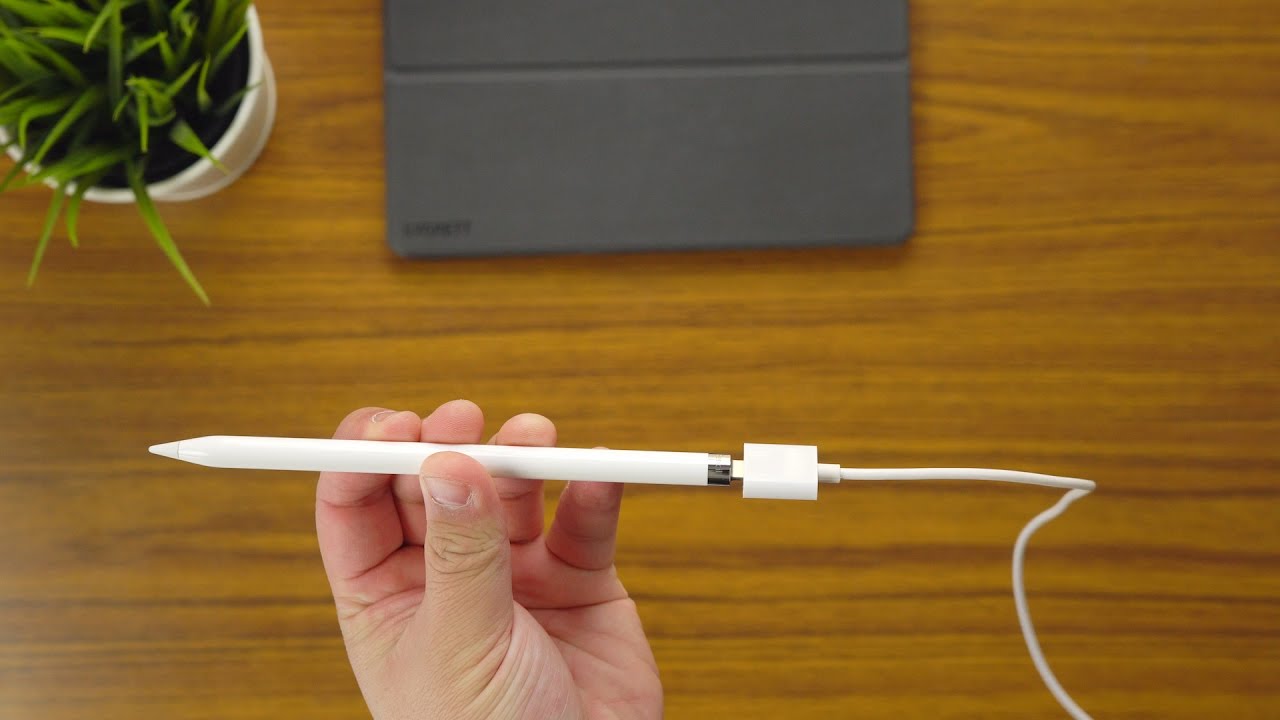
Apple currently supports four styli across its active hardware lineup. Each requires a distinct electrical pathway to draw power.
The Apple Pencil 1st generation relies on a male Lightning connector tucked under a removable magnetic cap. You can plug it directly into older base-model iPads with Lightning ports or plug it into a female-to-female Lightning adapter linked to an older Lightning cable. For 10th-generation base iPads featuring USB-C, Apple requires a specialized USB-C to Apple Pencil Adapter to mediate the handshake.
The Apple Pencil 2nd generation eliminated external ports entirely, switching to induction. It docks flat against the magnetic connector centered along the long right-hand edge of compatible iPad Pro, iPad Air, and iPad mini models.
Confusion spiked when Apple released the Apple Pencil (USB-C). While this budget-oriented stylus attaches magnetically to the side of modern iPads for storage, its magnets contain zero inductive charging coils. Charging requires sliding back the top cap to expose a female USB-C port, which must be connected to an iPad or external wall brick using a standard USB-C charge cable.
The Apple Pencil Pro handles charging through an updated inductive assembly engineered to sit beside redesigned landscape front cameras on post-2024 iPad Pro and iPad Air models. Attempting to charge an Apple Pencil Pro on a 2022 iPad Pro M2 will fail; the magnets snap, but the charging coils misalign by several millimeters, blocking power delivery.
Robert Thorne covers electric vehicle innovations, autonomous driving systems, global mobility trends, and automotive engineering developments.
